Which laptop for university? What your course really needs, and where to save
Published 24 October 2026 · prices below are checked every week
The best laptop for university is the one that runs your course’s software, lasts a full day of lectures and doesn’t leave you in debt. A literature student and an engineering student need very different machines. Here is how to choose, course by course, and where students save money.
- Check your course’s software first
- 16 GB for most courses
- Office is free at most universities
- Student prices on Macs
The numbers that matter
memory: what universities now suggest for most students
University IT advicestorage: 256 GB is getting tight, unless you live in the cloud
University IT advicefor Microsoft Office: most universities give it to students free
Word, Excel, PowerPointof real battery life, to get through a day of lectures
University IT adviceStep 1: check your course’s software
Before you look at any laptop, find your course’s software list (ask your department, or look in your welcome pack). Some programs run only on Windows, and some need a lot of memory. This is what the publishers say for the programs students ask us about most:
Humanities, law, languages, social sciences
Essays, research, Office, Teams or Zoom. Statistics in SPSS, Stata or R runs on Mac and Windows (SPSS on new Macs through Apple’s built-in translator, Rosetta).
Any laptop works. Choose for battery, weight and a comfy keyboard.
Engineering, architecture, geography
SOLIDWORKS, Revit, ArcGIS Pro and Ansys Student run only on Windows. SOLIDWORKS and ArcGIS Pro recommend 32 GB, and Ansys Discovery needs an NVIDIA graphics card with 4 GB.
Windows, Intel or AMD, ideally NVIDIA graphics
Computer science
VS Code runs anywhere; Docker wants at least 8 GB, and containers soon fill 16 GB. Xcode, for iPhone apps, is Mac only; Visual Studio is Windows only.
16 GB minimum, 32 GB if you can
Maths, physics, data, business
MATLAB recommends 16 GB; the latest version no longer runs on Intel Macs, and on Snapdragon Windows laptops it runs only in emulation. Power BI Desktop and Microsoft Access are Windows only.
16 GB; Windows if you’ll use Power BI or Access
Film, music, media, design
Final Cut Pro and Logic Pro are Mac only. Photoshop and Premiere Pro recommend 16 GB (32 GB for 4K video), and Blender 32 GB.
A Mac with 16 GB or more
Medicine, nursing, health
Mostly reading, notes, online learning and exams in the browser. Weight and battery matter more than power on placement days.
Light, long battery, 16 GB to last the course
Good to know: many universities let you run heavy specialist software on their computers or through a “virtual desktop” over the internet, and give the licences free. Check before you pay for power you may not need.
Mac or Windows?
Go Mac if…
- your course software runs on macOS (most do)
- you want the longest battery and a laptop that just works
- you study film, music or design
- you already have an iPhone
Go Windows if…
- your course needs Windows-only software
- you want serious gaming or an NVIDIA graphics card
- you need a pen, a touchscreen or a 2-in-1
- your budget is under about £700
Careful with Snapdragon: Windows laptops with Snapdragon chips have superb battery life, but some specialist and engineering software doesn’t run on them. University engineering departments advise Intel or AMD.
For light courses: MacBook Neo, or Windows with 16 GB
Apple’s cheapest laptop, and a great one for students
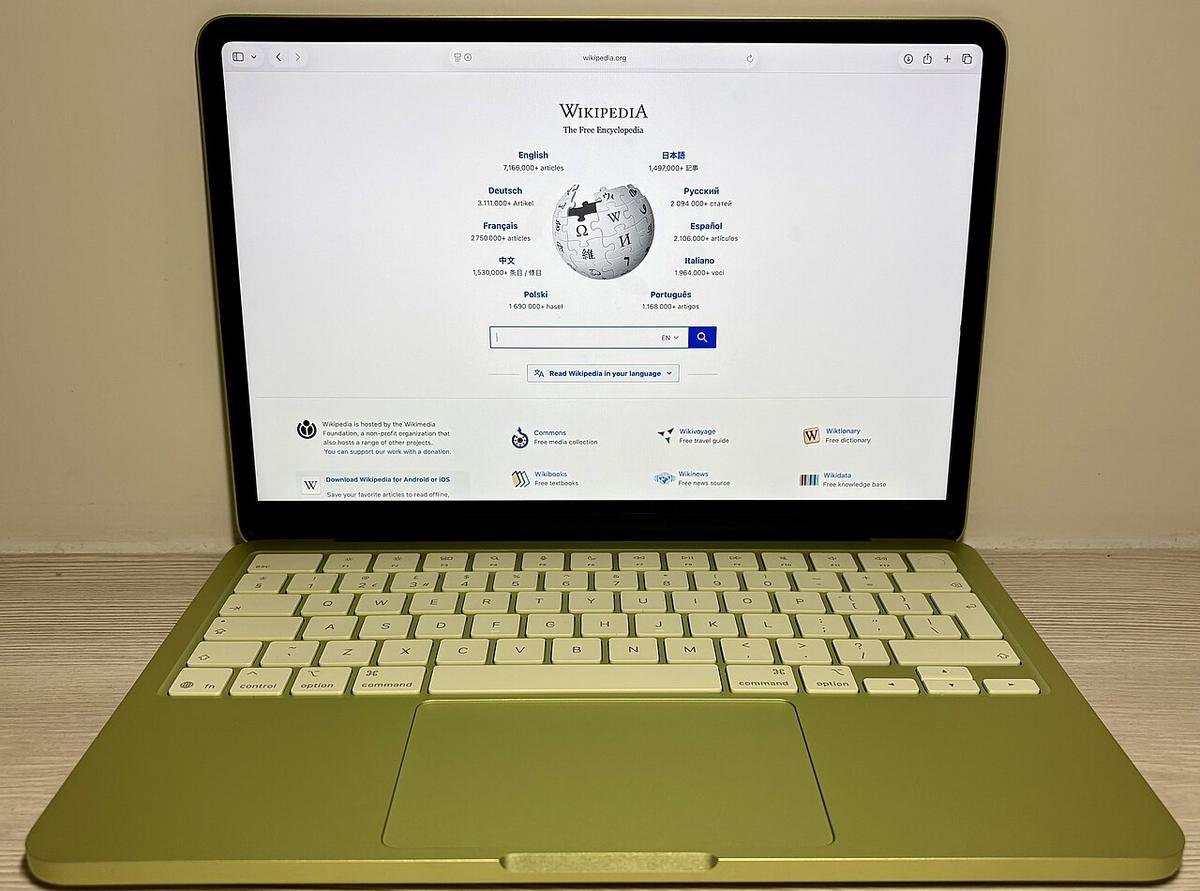
For essays, research, video lectures, Office and films in the evening, the MacBook Neo is a lovely laptop: solidly built, with a bright 13-inch screen, up to 16 hours of video playback, and four cheerful colours, Silver, Blush, Citrus and Indigo.
It has 8 GB of memory, which macOS uses very efficiently: it compresses what it holds and leans on very fast storage, so everyday work stays smooth. That memory can never be upgraded, though, so it isn’t the laptop for engineering, heavy photo or video work, or Windows-only software.
From £699, or £599 with Apple’s student pricing
See the student price at Apple ↗The Windows alternative
Prefer Windows, or a bit more memory for the money? The ASUS Vivobook 14 has a current Intel Core Ultra 5, 16 GB, 512 GB and a big 70 Wh battery for a long day of lectures, at a similar price to the Neo.
It runs every Windows-only program a course might ask for, though the screen is plainer than the Neo’s.
Get: ASUS Vivobook 14Picks by course, with this week’s prices
Best Windows on a budget
A current Intel Core Ultra 5, 16 GB and a big 70 Wh battery for a long day. The screen is a little washed out, but fine for study.
Get: ASUS Vivobook 14Refurbished business laptops
Sturdy laptops built for offices, with 16 GB and a year’s warranty, for about half the price of new. Older processors, but plenty for essays and research.
Get: Dell Latitude 7420 or ThinkPad T14sThe all-rounder
Light, fast, silent and all-day battery: the laptop you see all over campus. Apple’s student pricing takes £100 off the 13-inch.
Get: MacBook Air 13-inchBright and light, Windows
A vivid OLED screen, a fast Core Ultra 7 and 1.37 kg. Good for most courses that need Windows.
Get: Lenovo IdeaPad Slim 5Engineering and 3D
NVIDIA graphics for CAD and simulation. The LOQ is a heavier gaming laptop with stronger graphics; the Prestige is lighter, with 32 GB.
Get: Lenovo LOQ 15 or MSI Prestige 14Computer science
32 GB in a light 1.27 kg Windows laptop with a sharp screen, for containers and big projects. On a Mac, a MacBook Air works well too.
Get: ASUS ExpertBook P5Film, music and design
A brighter, smoother screen, a fan for long exports, HDMI and an SD card slot. The 15-inch Air is the lighter, cheaper option.
Get: MacBook Pro 14-inch or MacBook Air 15-inchAll laptops under £700 in our catalogue this week, cheapest first:
6 ways students save
- Don’t pay for OfficeMost universities give students Microsoft 365 free, often on several devices. Skip any laptop deal that charges for it.
- Use student pricingApple’s Education Store takes £100 off the MacBook Neo and the 13-inch MacBook Air. Other brands run student schemes too.
- Buy last year’s model, or refurbishedLaptops have changed little this year and memory has made new ones dearer. A previous model or a refurbished business laptop saves a lot.
- Get specialist software freeUniversities often licence programs such as MATLAB and SOLIDWORKS for students, or run them on their own computers.
- Ask about help with costsMany universities lend laptops for short periods and have hardship funds for IT equipment.
- Check the warrantyLook at how long it lasts and whether the battery is covered. Some shops give two years as standard.
5 mistakes to skip
- Buying before you see the software listA Mac can’t run SOLIDWORKS or Revit without extra Windows software, and some tools still won’t work.
- A Snapdragon laptop for engineeringGreat battery, but specialist software may not run. Choose Intel or AMD.
- A big 16-inch with a low-resolution screen1920 × 1200 stretched over 16 inches looks soft and adds weight. Get a 14-inch and a monitor for your room.
- 256 GB of storageIt fills up fast with apps, lecture recordings and photos. Aim for 512 GB.
- Going into debt for a £2,000 laptopMost students don’t need one. A good £600–£1,200 laptop will see you through the degree.
Our verdict
Light courses: the MacBook Neo, especially at the student price, or a 16 GB Windows laptop under £700.
Most courses: a MacBook Air, or a light Windows laptop with 16 GB and 512 GB. Engineering: Windows with Intel or AMD and NVIDIA graphics, once you’ve seen the software list.
Want three picks for your own course and budget? Answer four quick questions →
Quick questions
Do I need a laptop at all?
Most students find one essential, but universities have computer rooms and often lend laptops for short periods. You can start with what you have and buy once you know your course.
Is a Chromebook enough?
For writing, email and browsing, yes. Specialist software may not run on it, so check your course list first.
Can I run Windows on a Mac?
Through a paid app called Parallels Desktop, yes. Boot Camp no longer exists on new Macs, and some engineering software or hardware still won’t work in a virtual machine.
Is 8 GB really enough?
On a MacBook Neo, for essays, research, video calls and films, yes. For engineering, data, video editing or programming with containers, choose 16 GB or more.
Will a gaming laptop do for university?
Yes, and it’s great for engineering and 3D work. Expect more weight, a bigger charger and shorter battery life away from a socket.